Free forever
No trial, no paid tier, ever.
Grab any part of your screen, scribble on it, hide what should stay private and send it anywhere. Free, forever, with nothing to sign up for.
No trial, no paid tier, ever.
Nothing to sign up for.
Capture, markup and redaction need no internet.
No ads, no analytics in the app.
Signed by us, checked by Apple.
English, Polski, Deutsch.
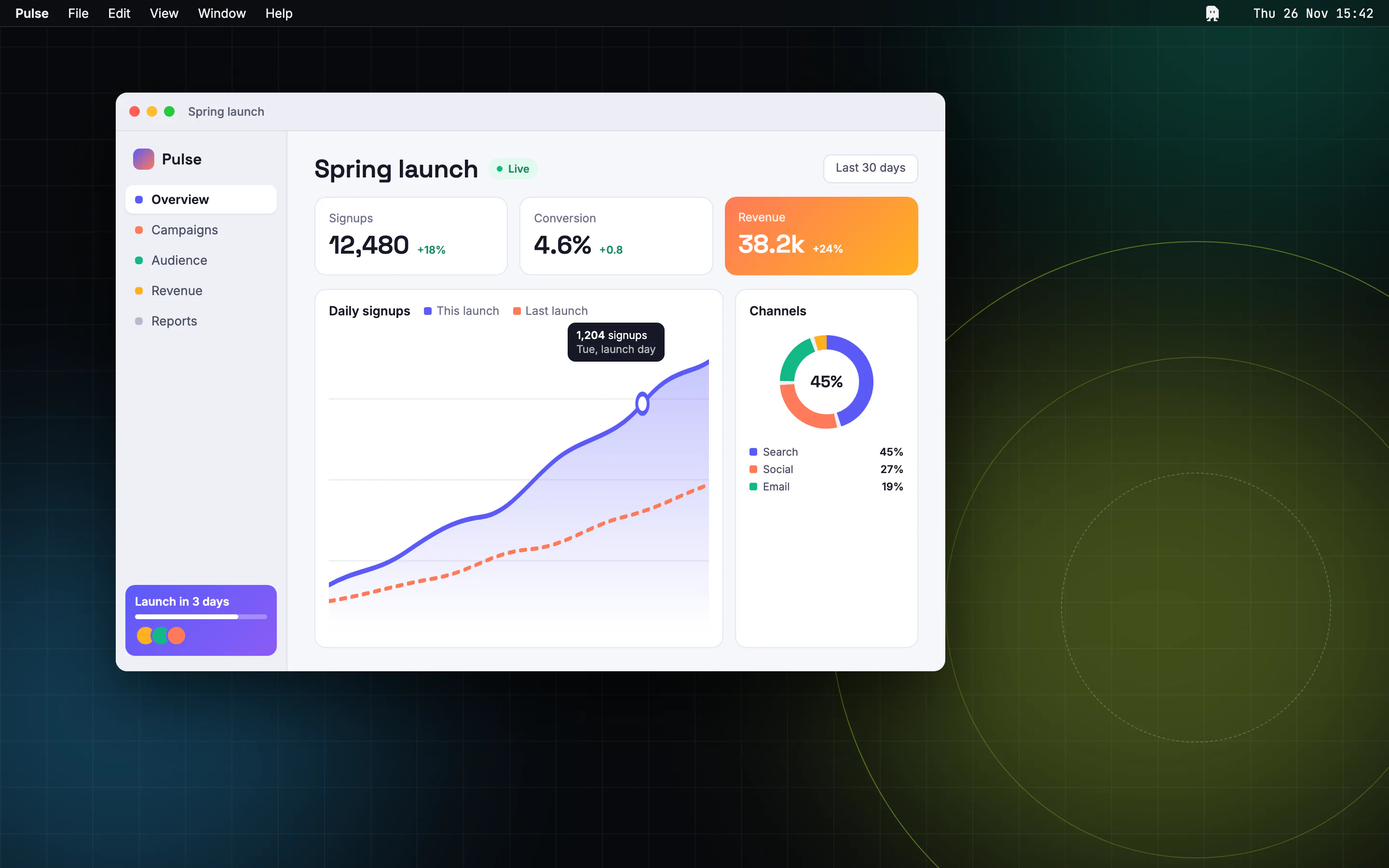
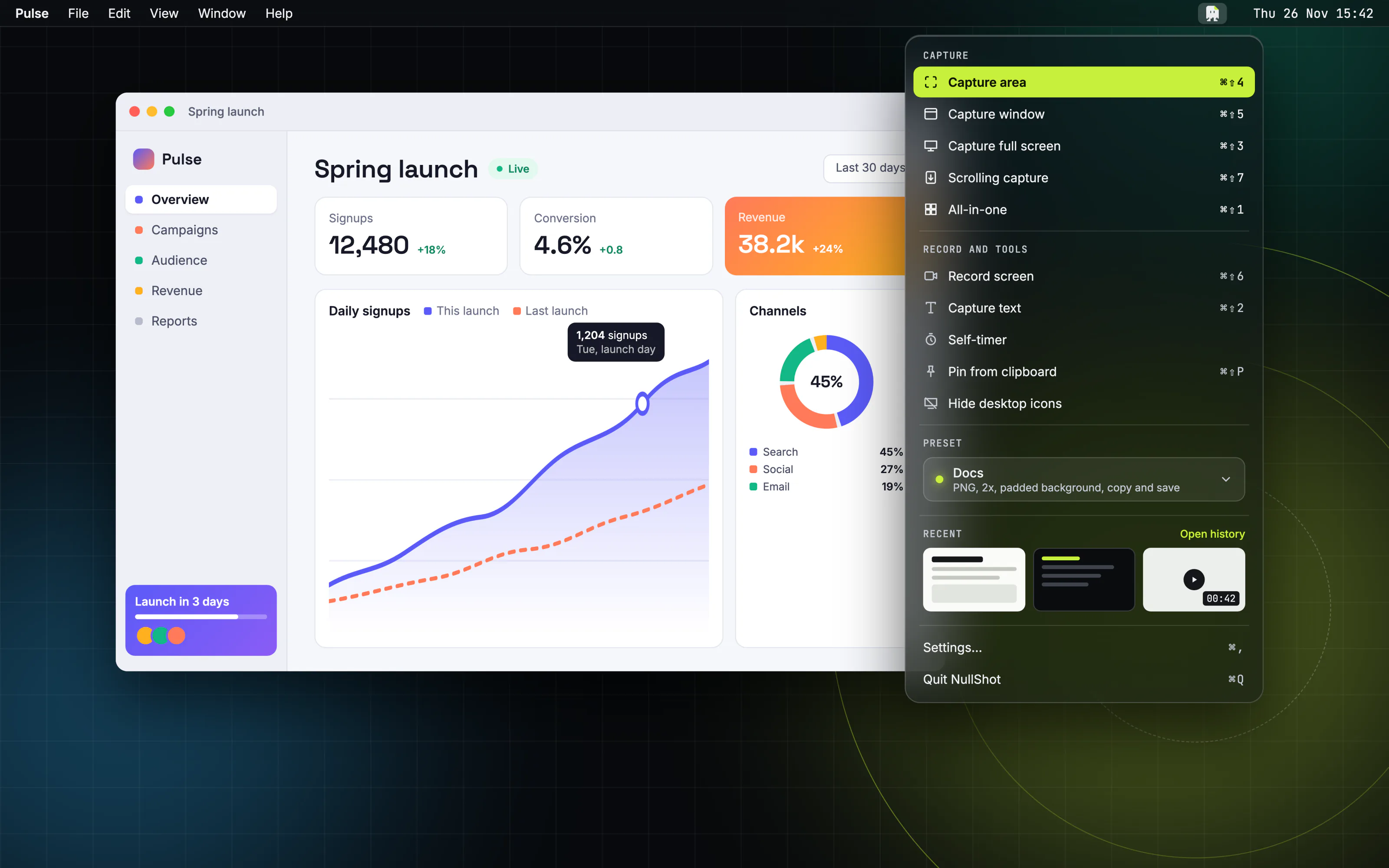
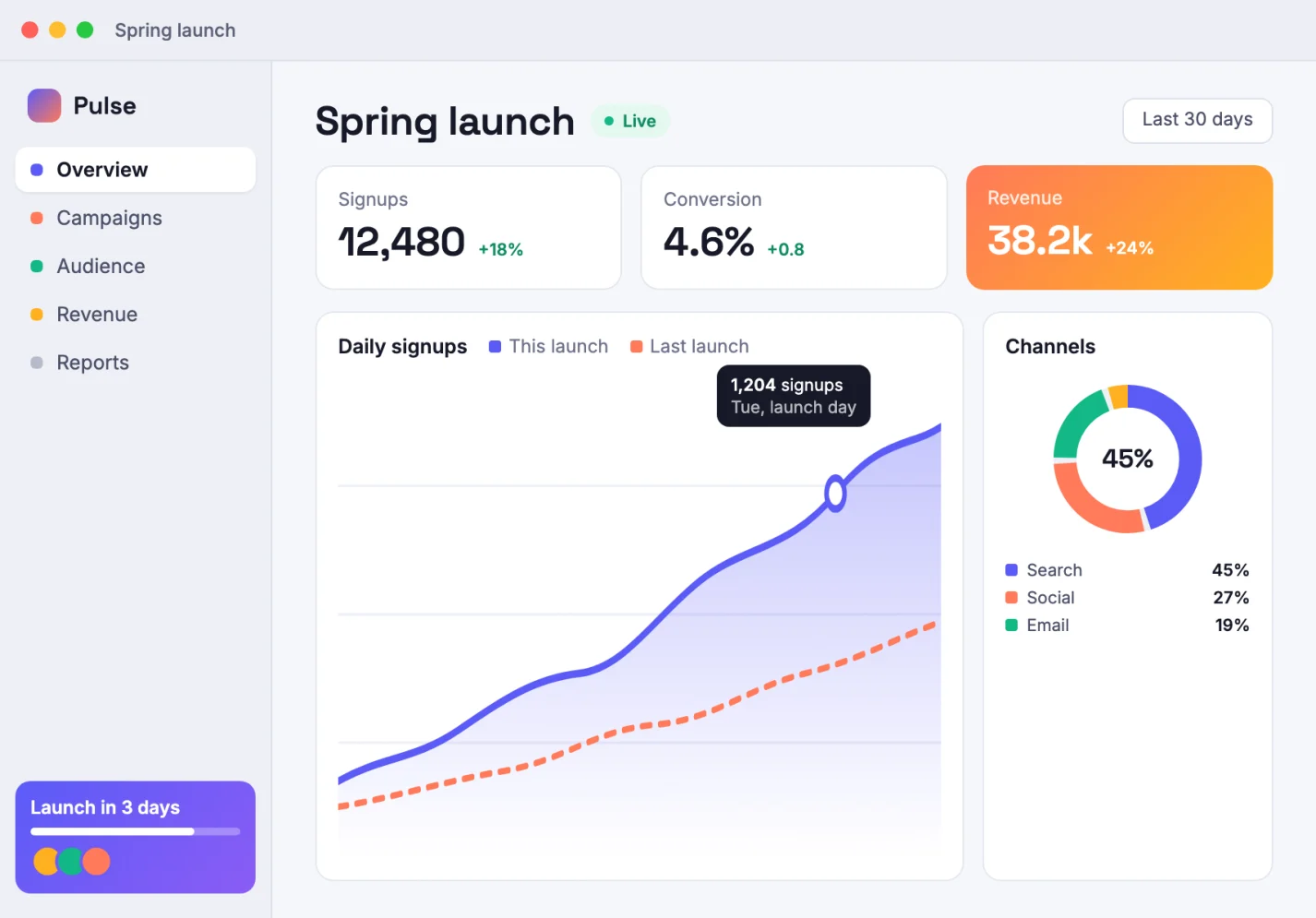
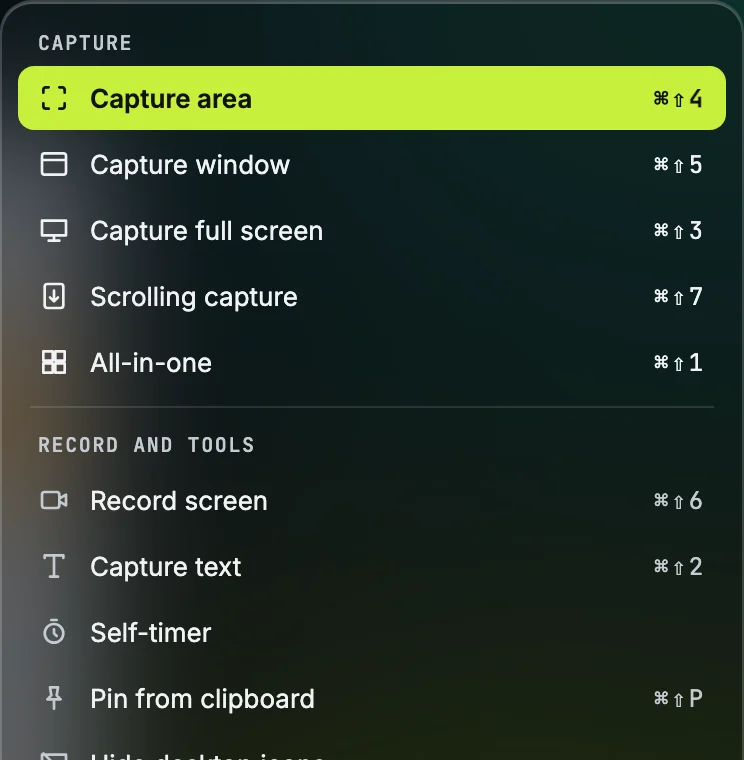
Press ⌘⇧4, drag, let go. NullShot snaps to windows, shows the exact pixel size and keeps the shot ready in a little preview.
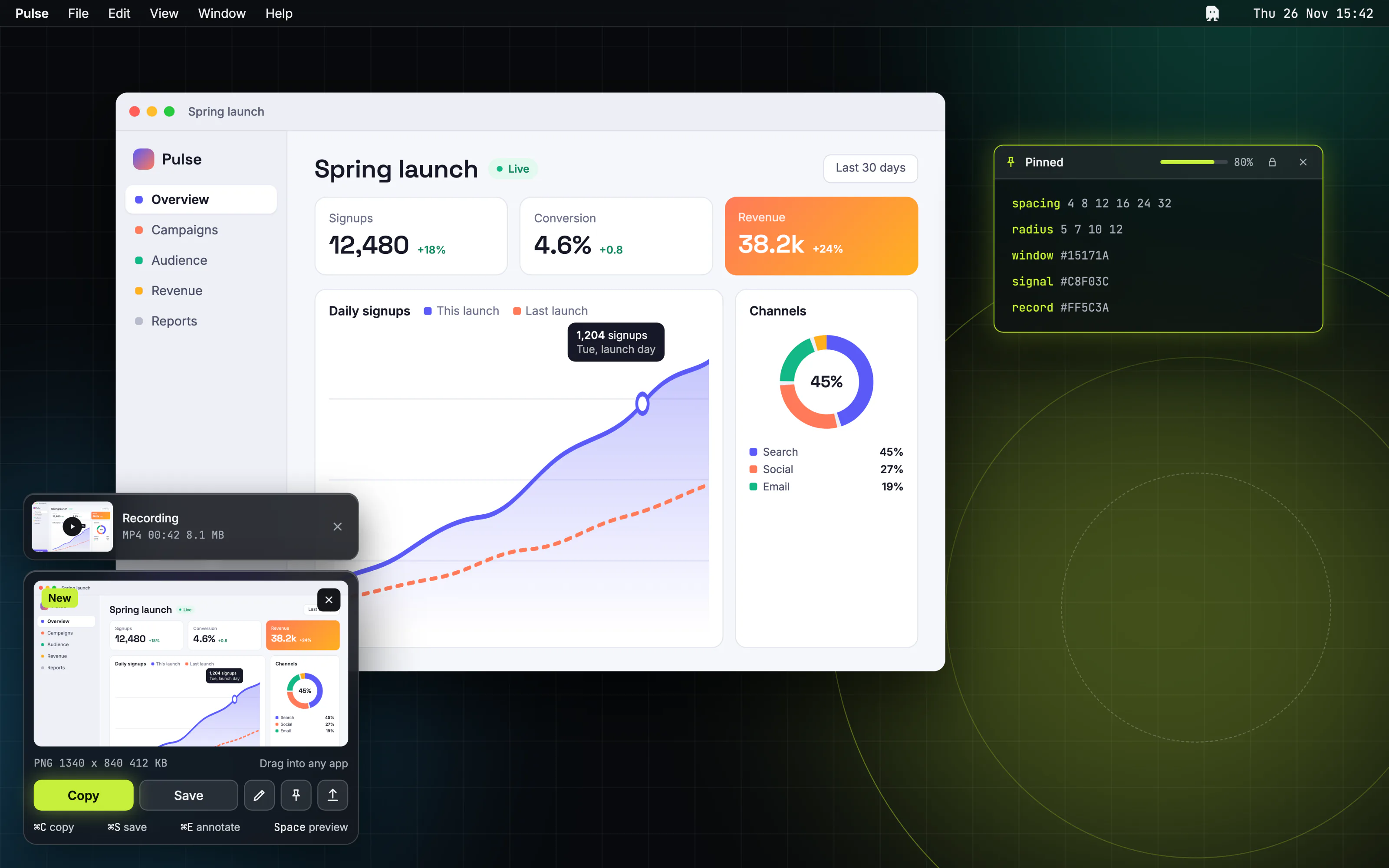
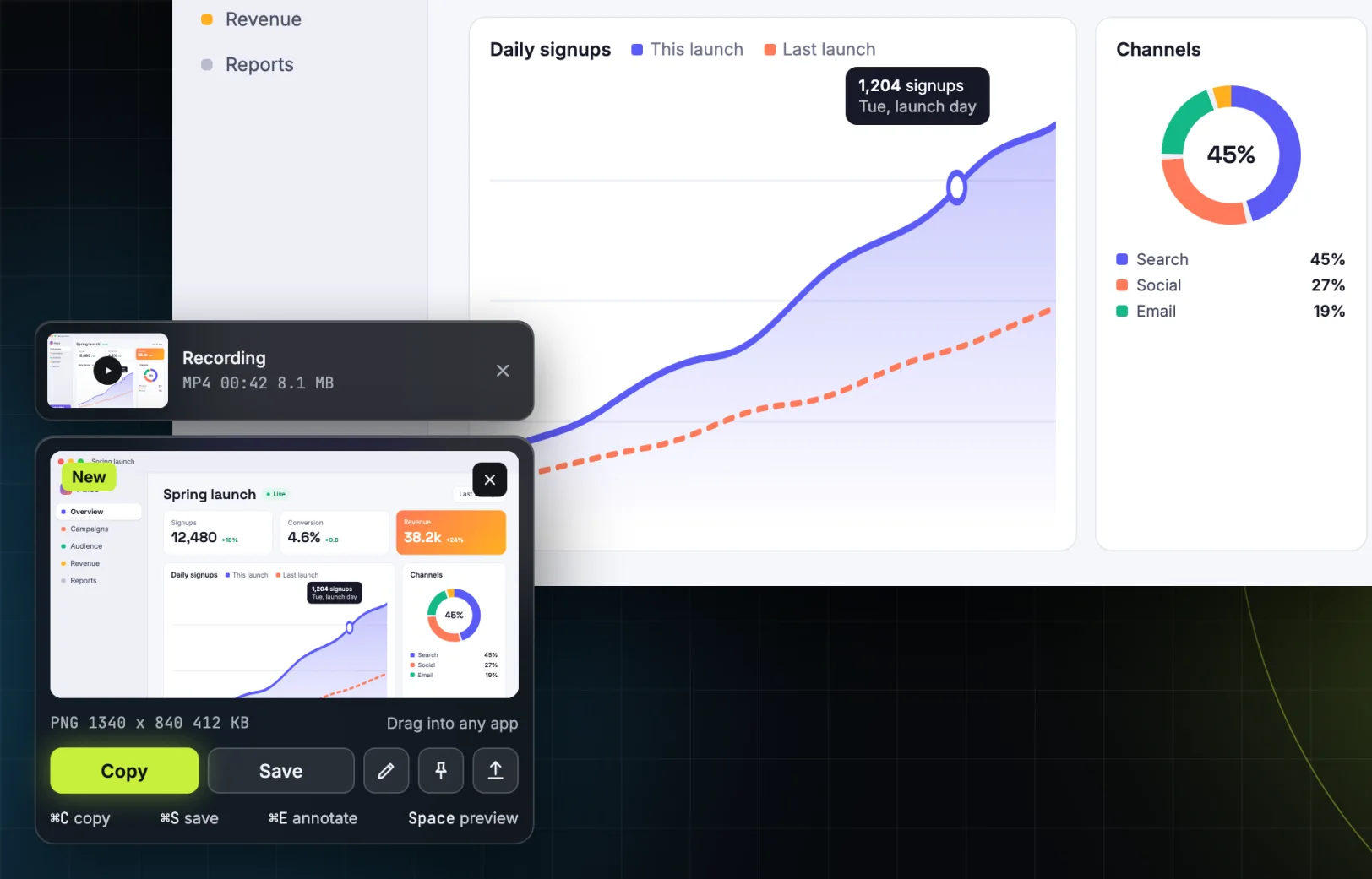
Every capture lands in a small card in the corner.
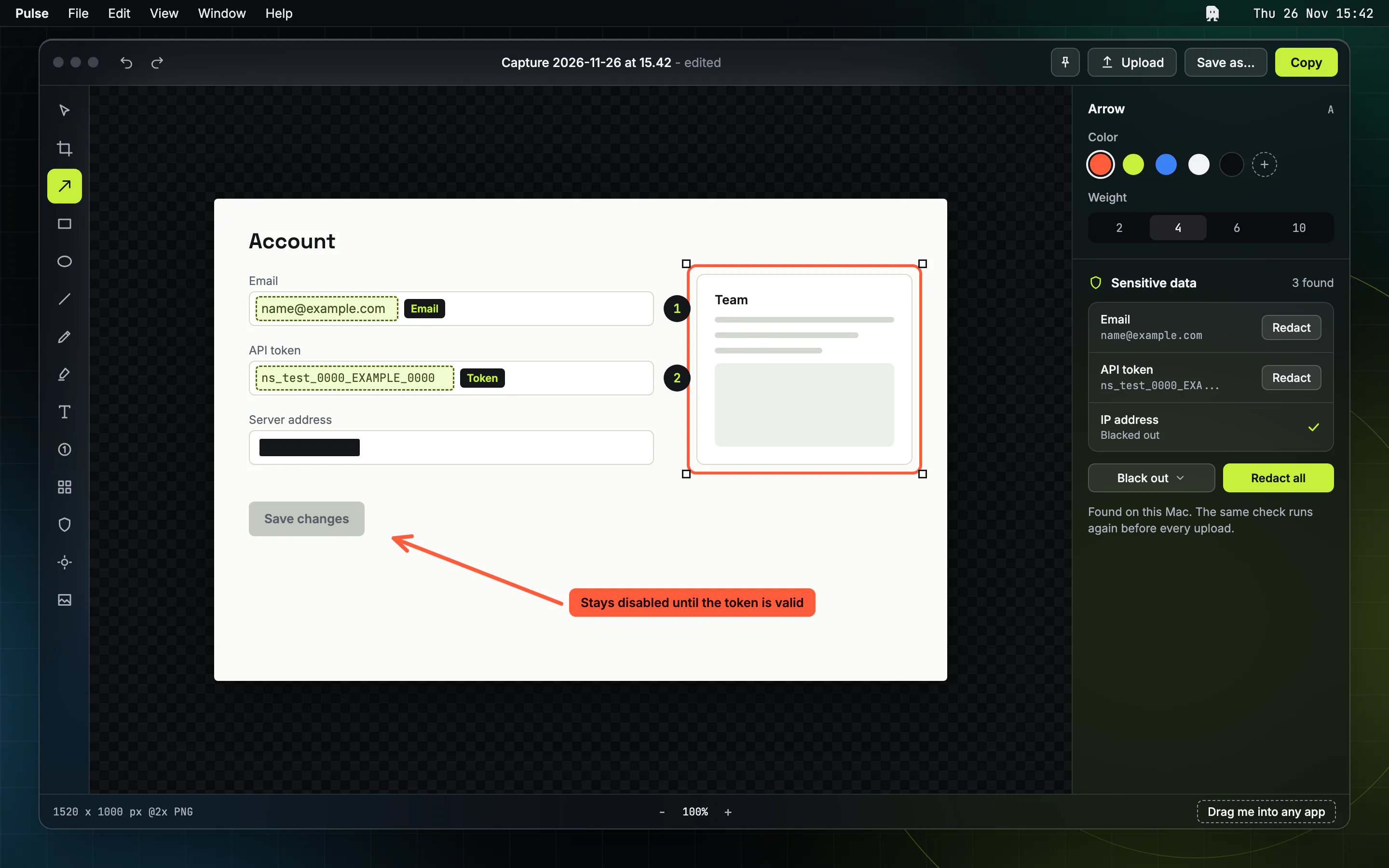
Point at the button that does not work.
Backgrounds, padding, rounded corners, shadow and aspect ratios for social posts, saved as presets.
NullShot reads the capture right on your Mac.
Pick a window or an area, talk over it, show your face if you like.
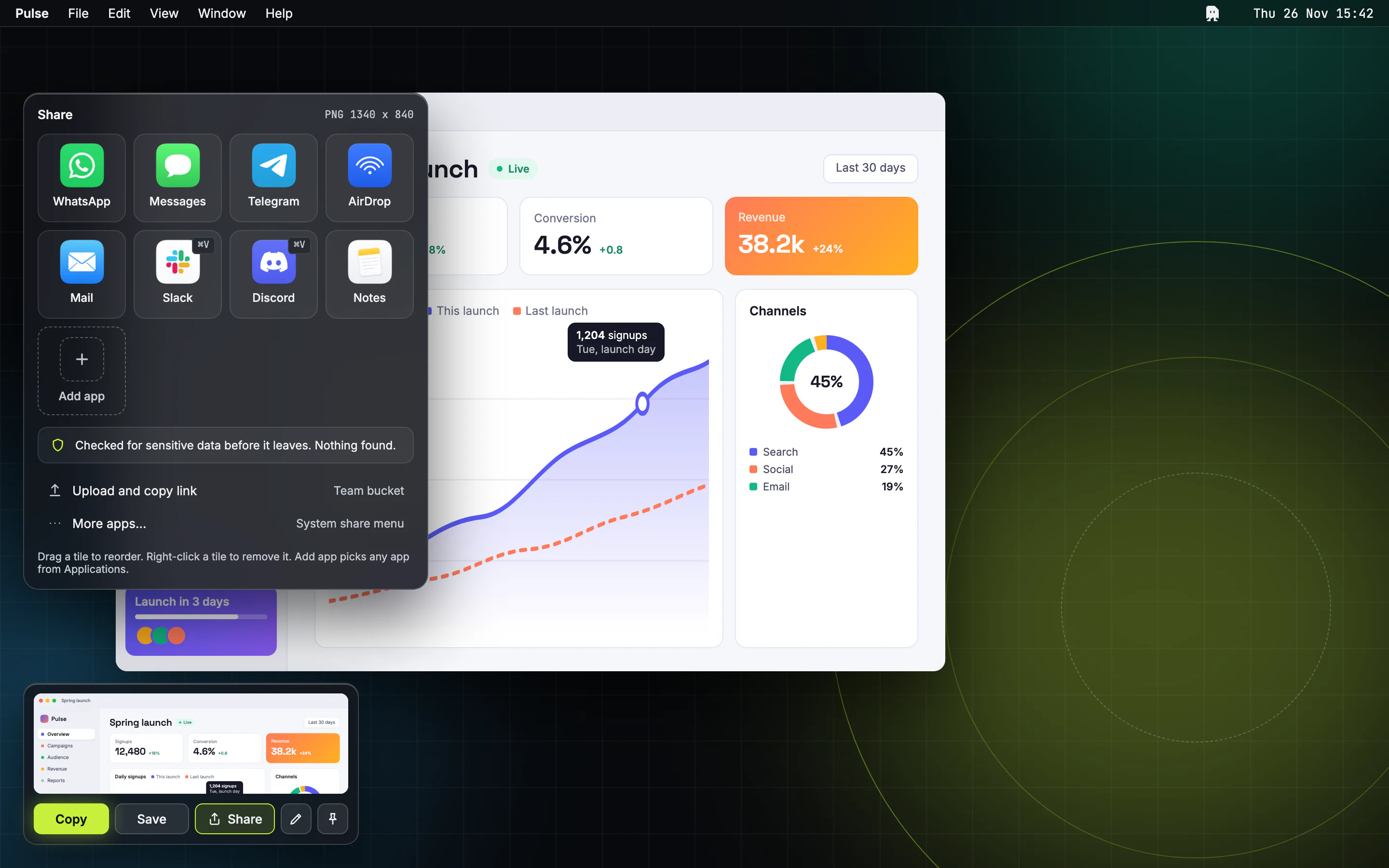
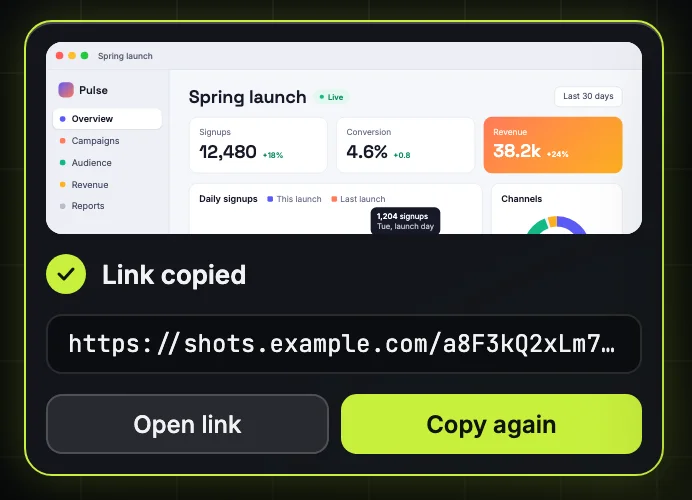
Send to WhatsApp, Messages, Mail or AirDrop in one click.
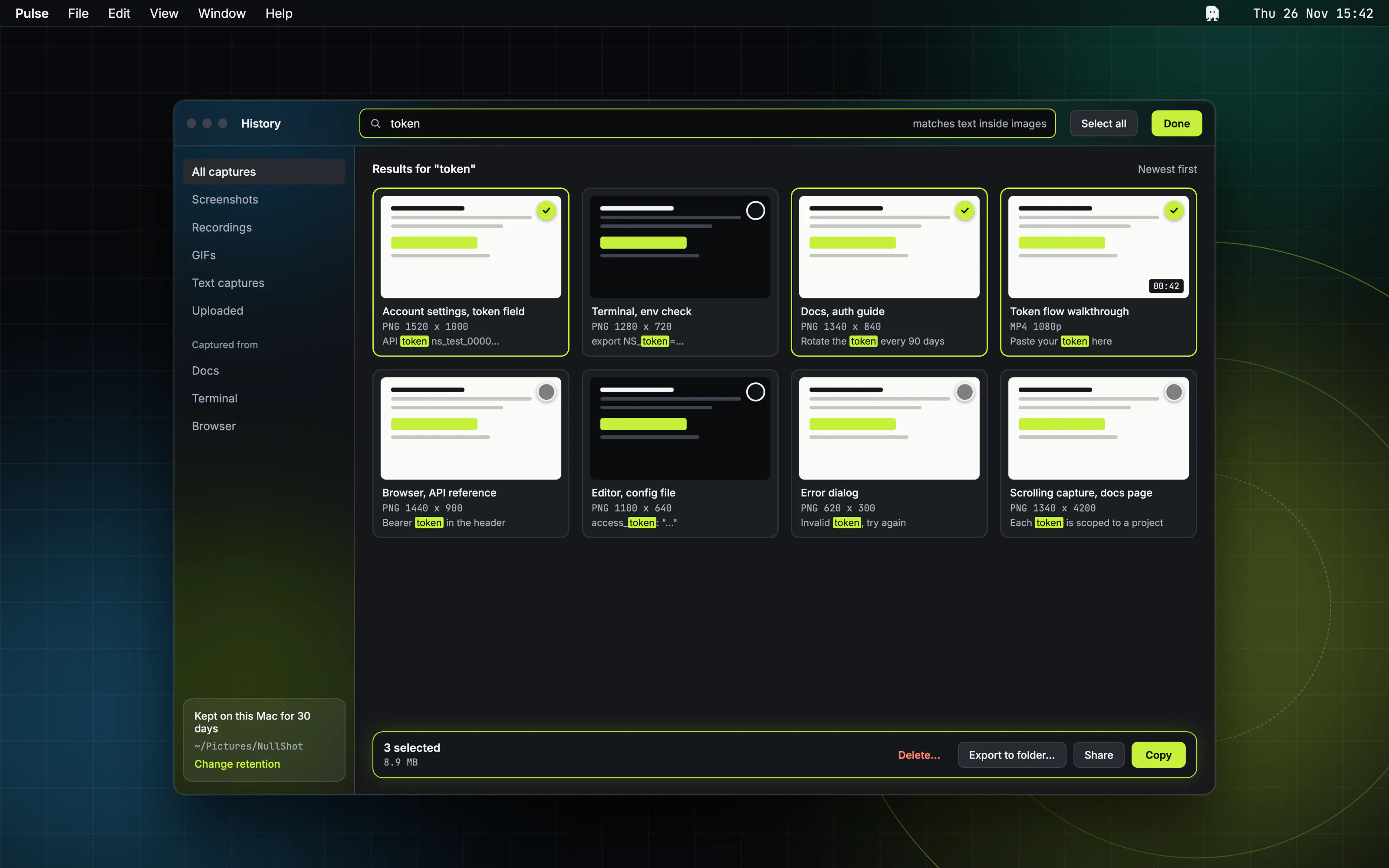
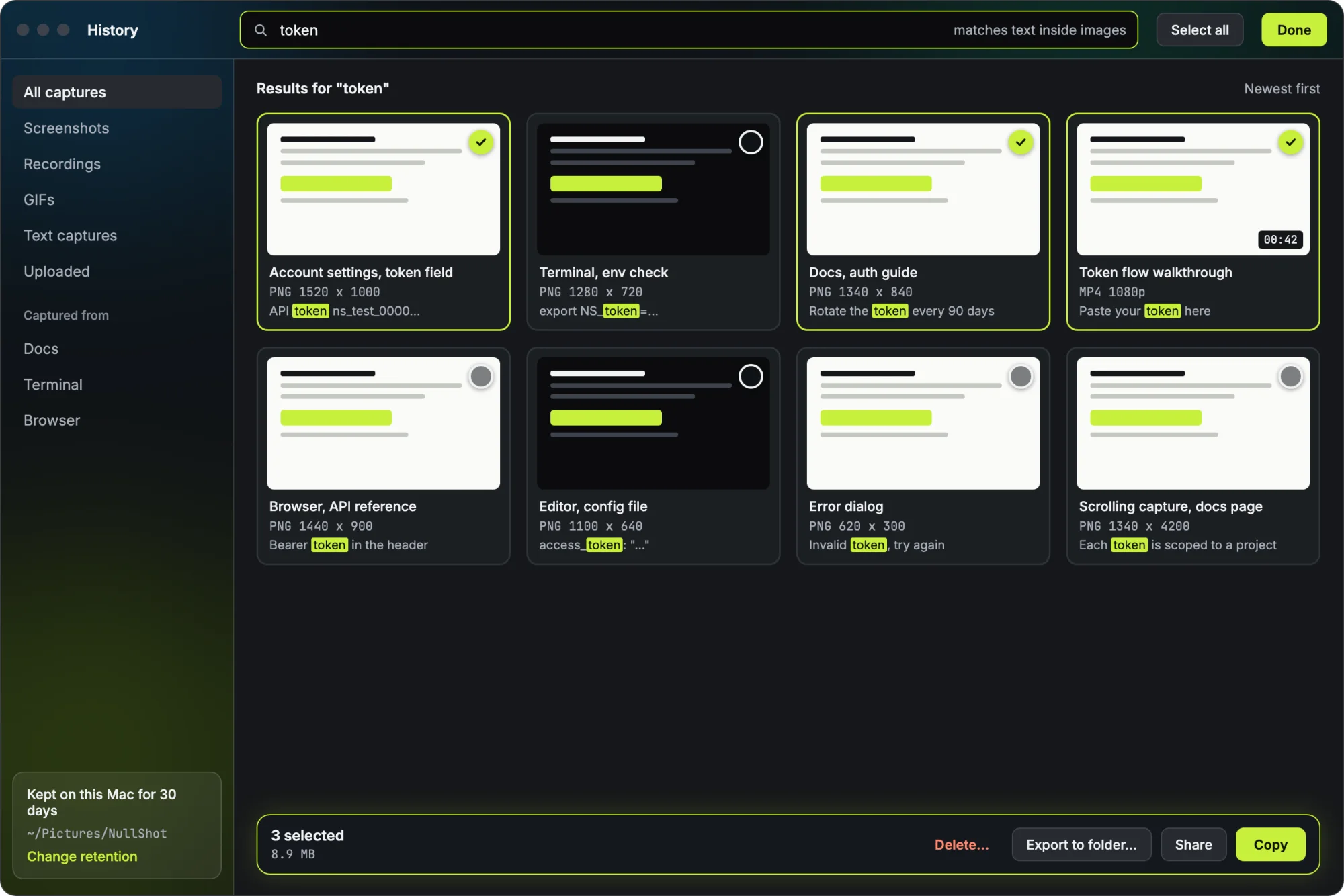
Every screenshot and recording in one window.
Press ⌘⇧4, drag, let go. NullShot snaps to windows, shows the exact pixel size and keeps the shot ready in a little preview.
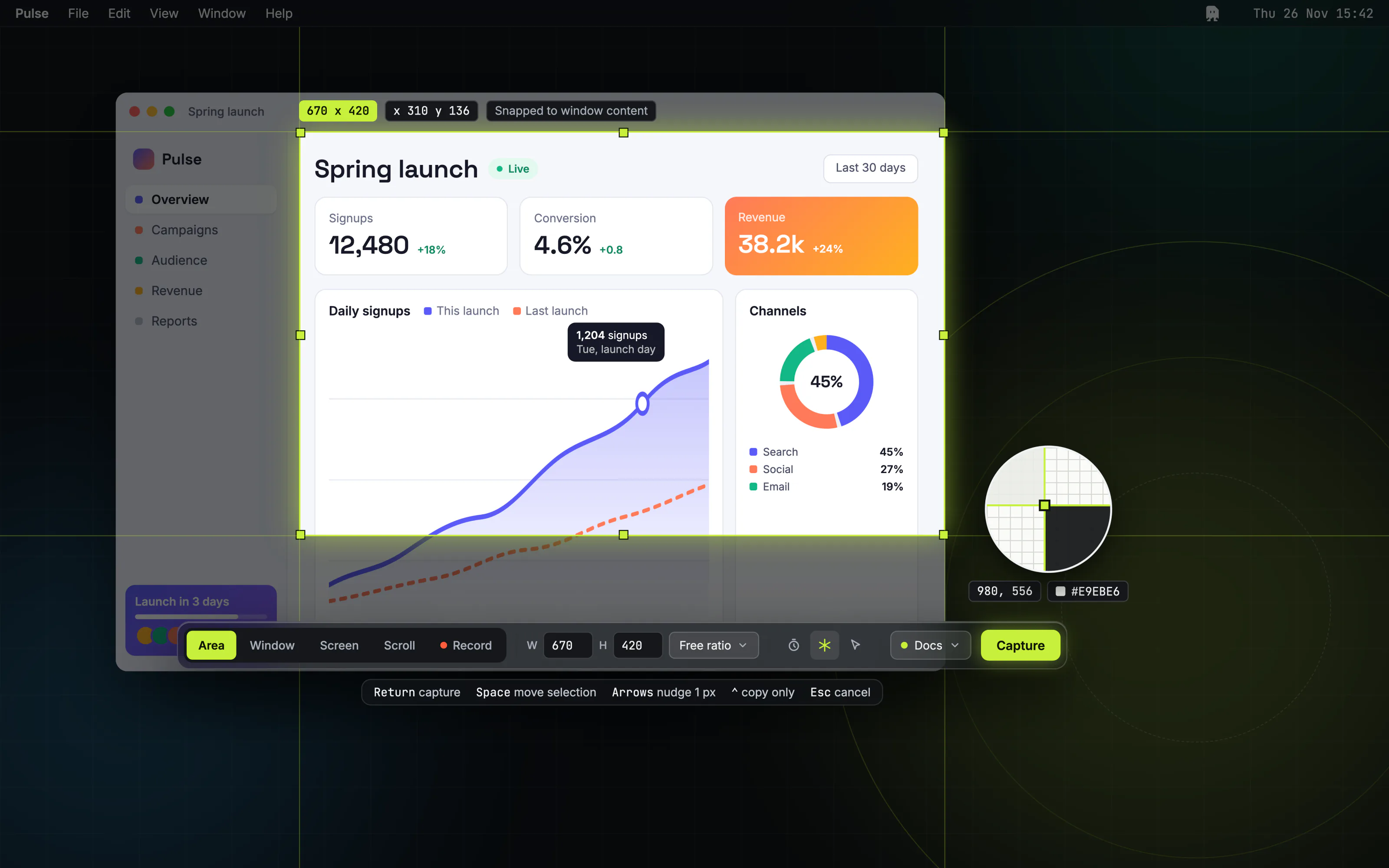
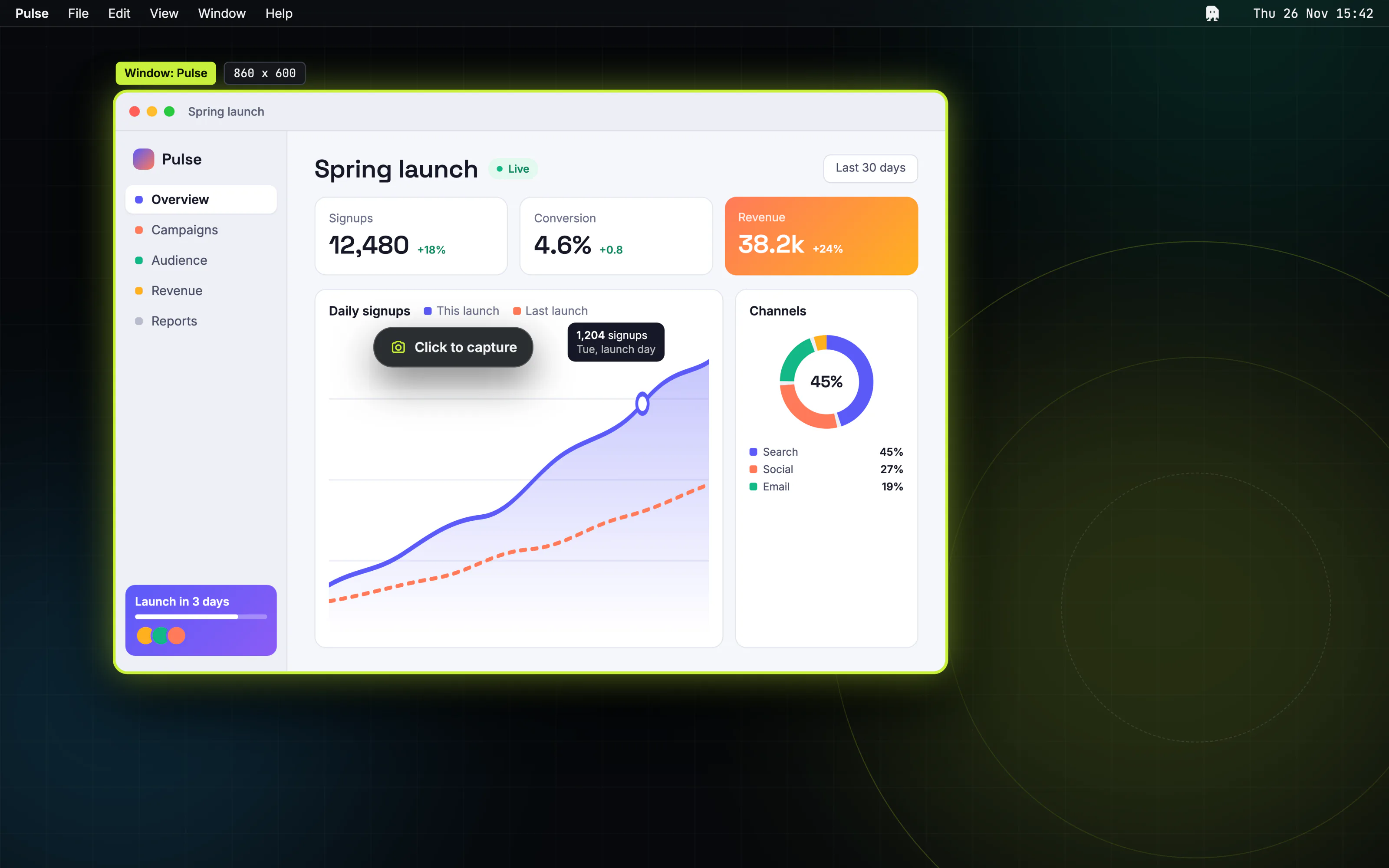
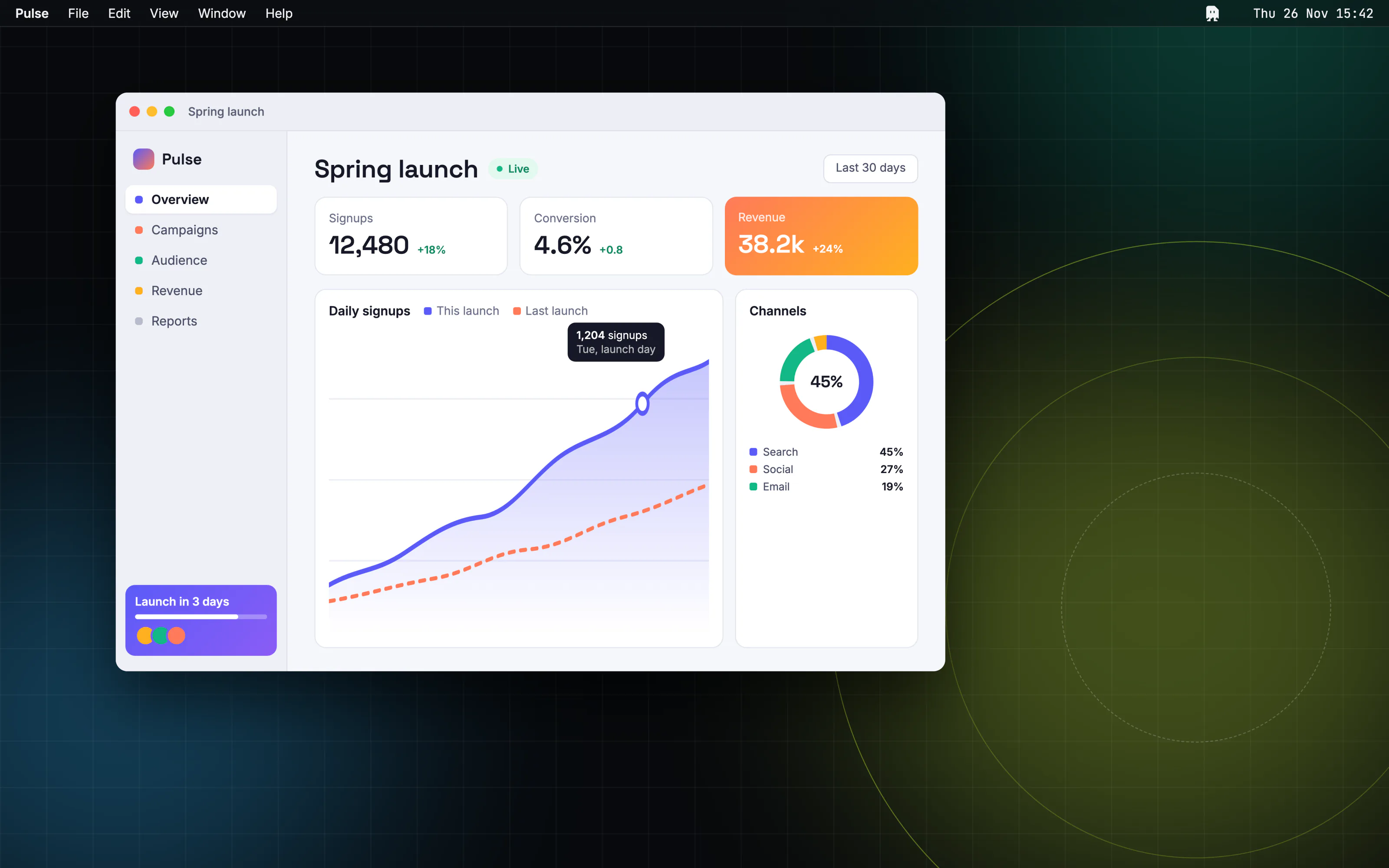
Drag, let go, done. It snaps to windows and shows the exact pixel size.
Click any window and get it with a clean shadow or a background.
Every display, at full sharpness, in one keystroke.
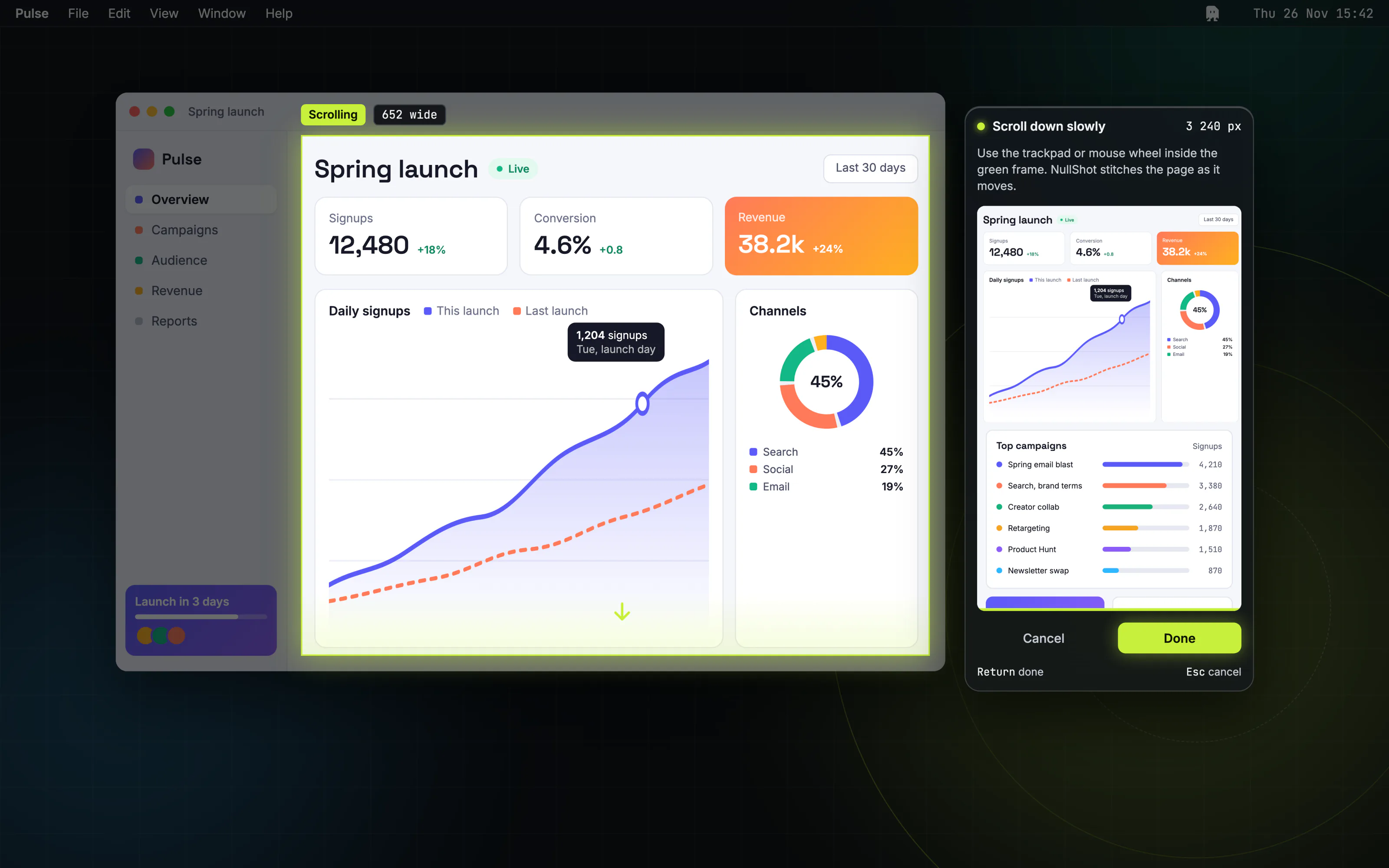
Scroll a long page and get one tall image, stitched for you.
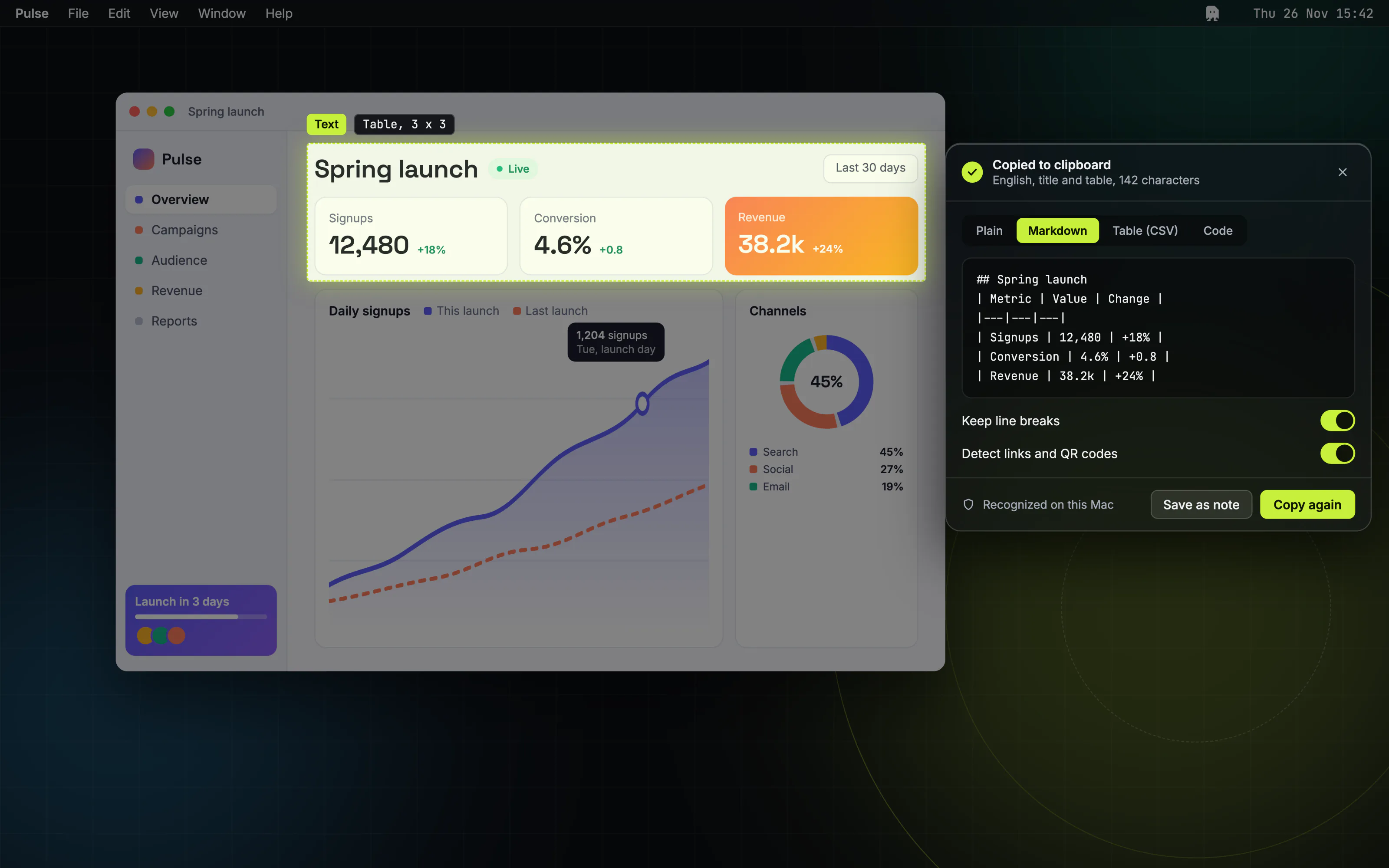
Copy the words out of anything on screen, even a video or an image.
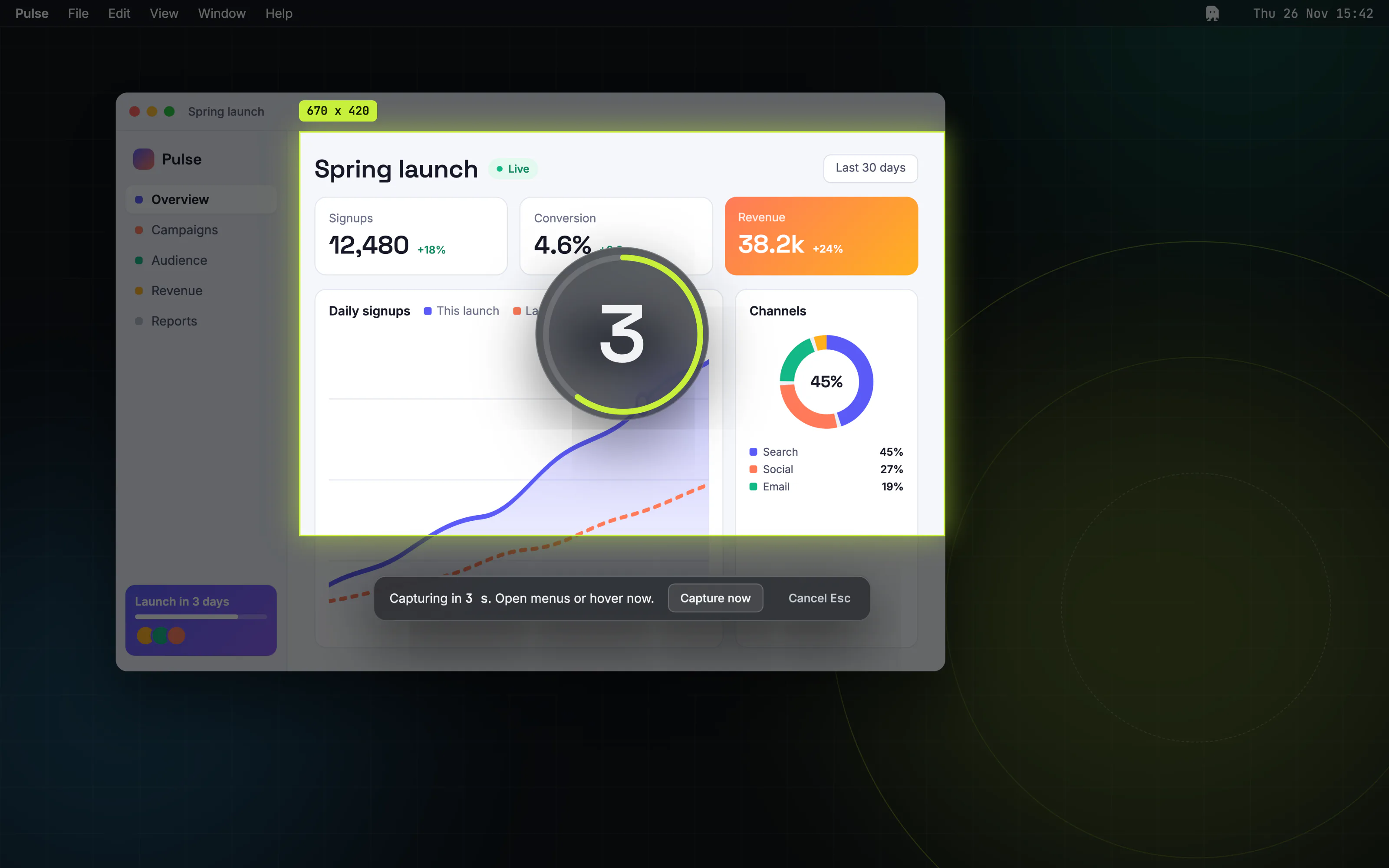
Three, five or ten seconds to open that menu before the shot.
Every capture lands in a small card in the corner. Copy it, save it, share it, pin it on top of everything, or just drag it into the app you are working in.
Point at the button that does not work, number the steps of a bug report, crop the noise away. Then copy, save, pin it to the screen or drag it straight into any app.
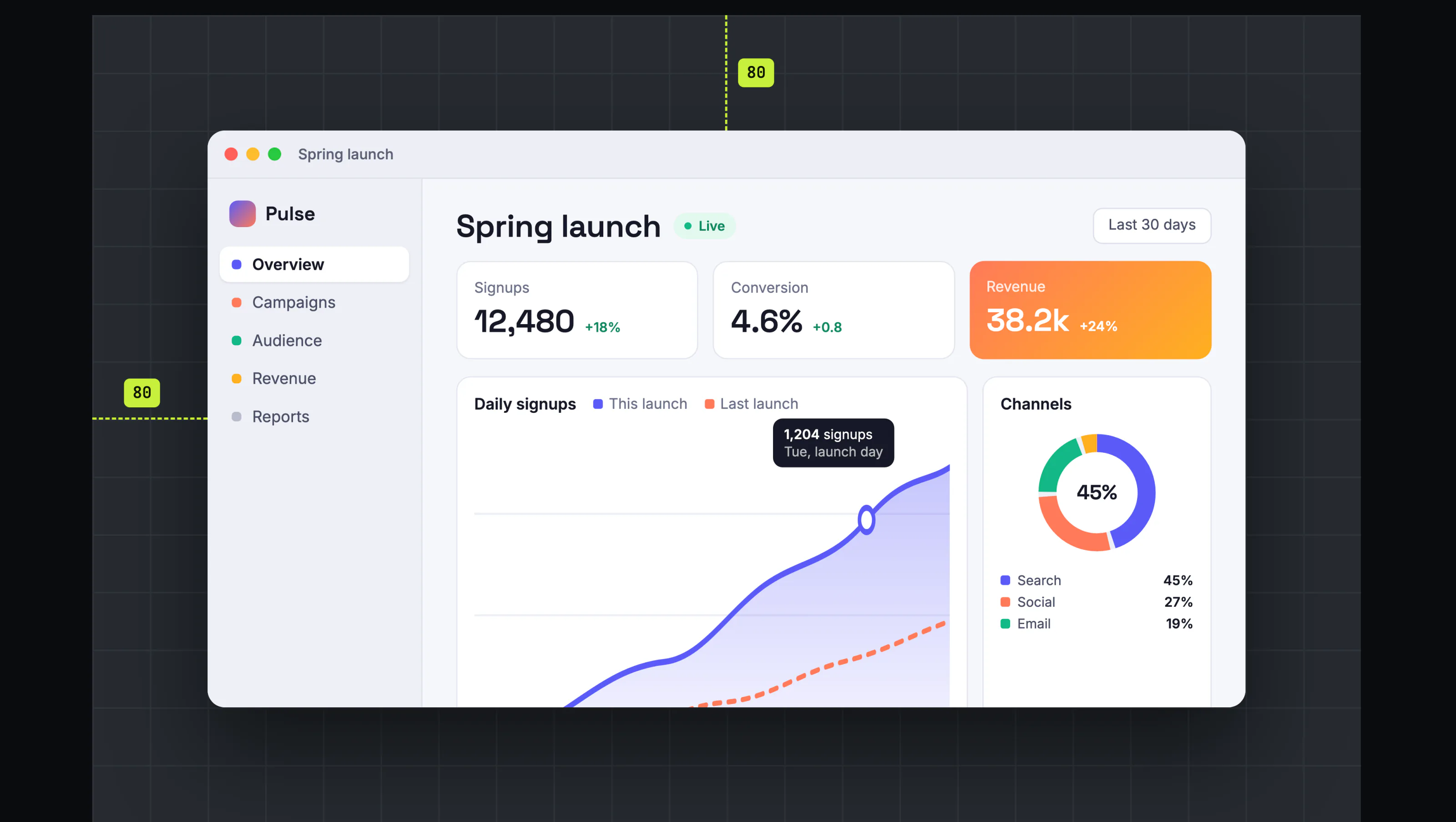
Backgrounds, padding, rounded corners, shadow and aspect ratios for social posts, saved as presets. Drag across the picture: on the left the raw capture, on the right the same capture framed.
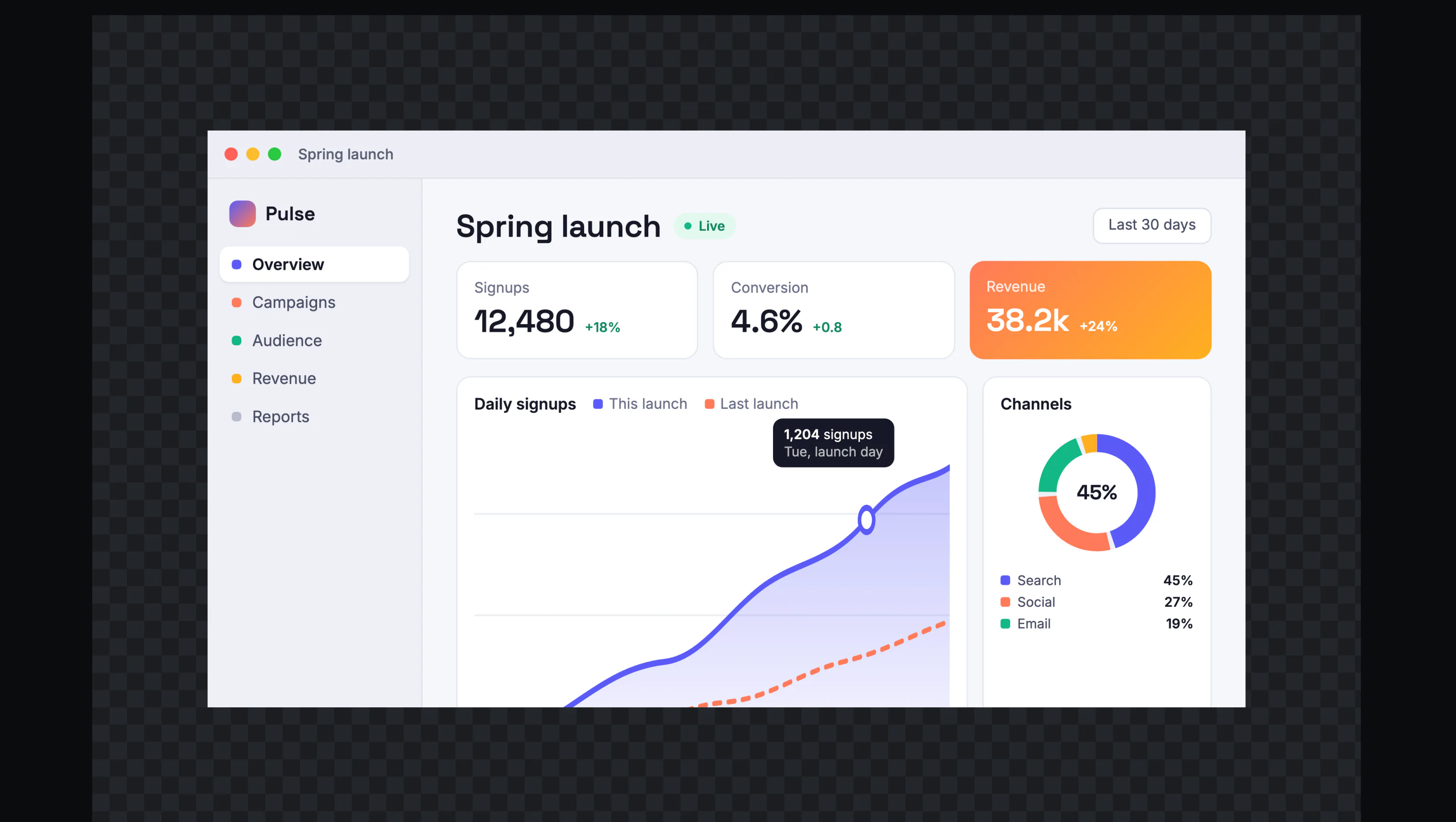
NullShot reads the capture right on your Mac and spots email addresses, API keys, card numbers and IP addresses. One click hides them: black out, pixelate or blur. Nothing is sent anywhere to do it.
Pick a window or an area, talk over it, show your face if you like. Then trim the start and the end, zoom in on clicks and export.
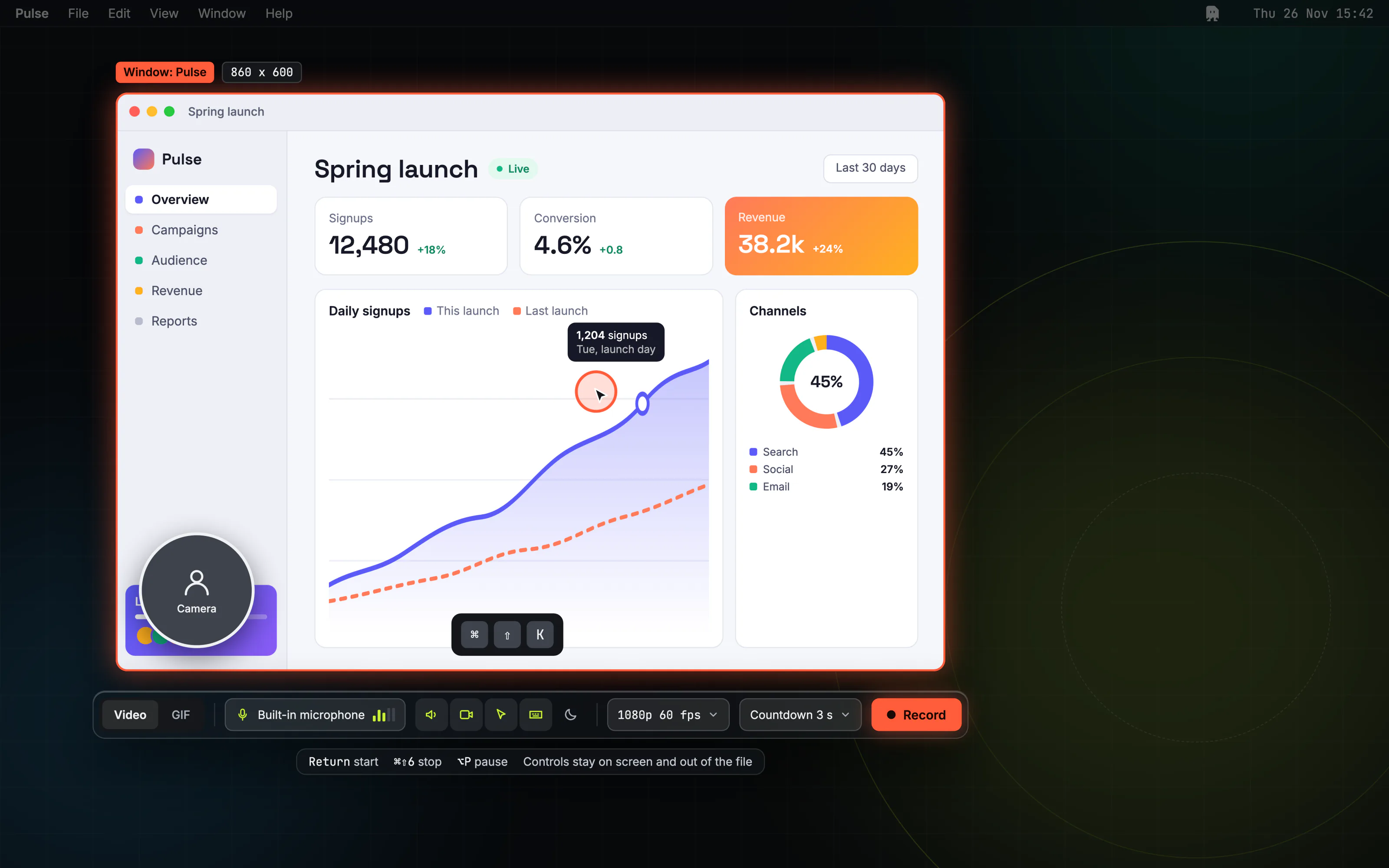 1Record
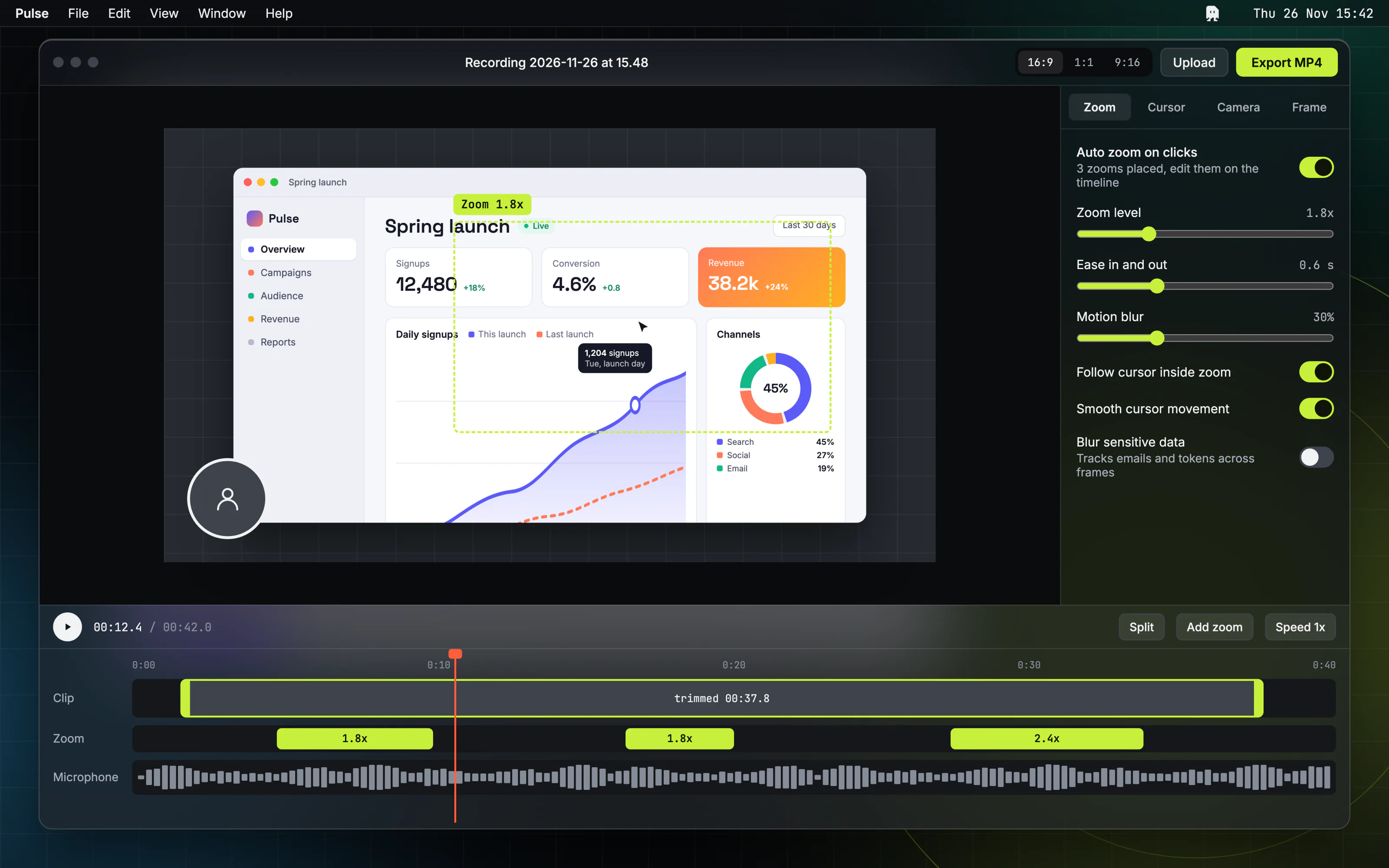 2Trim and export
Every screenshot and recording in one window, searchable by the text inside them. Select a few and copy, export or delete them together.
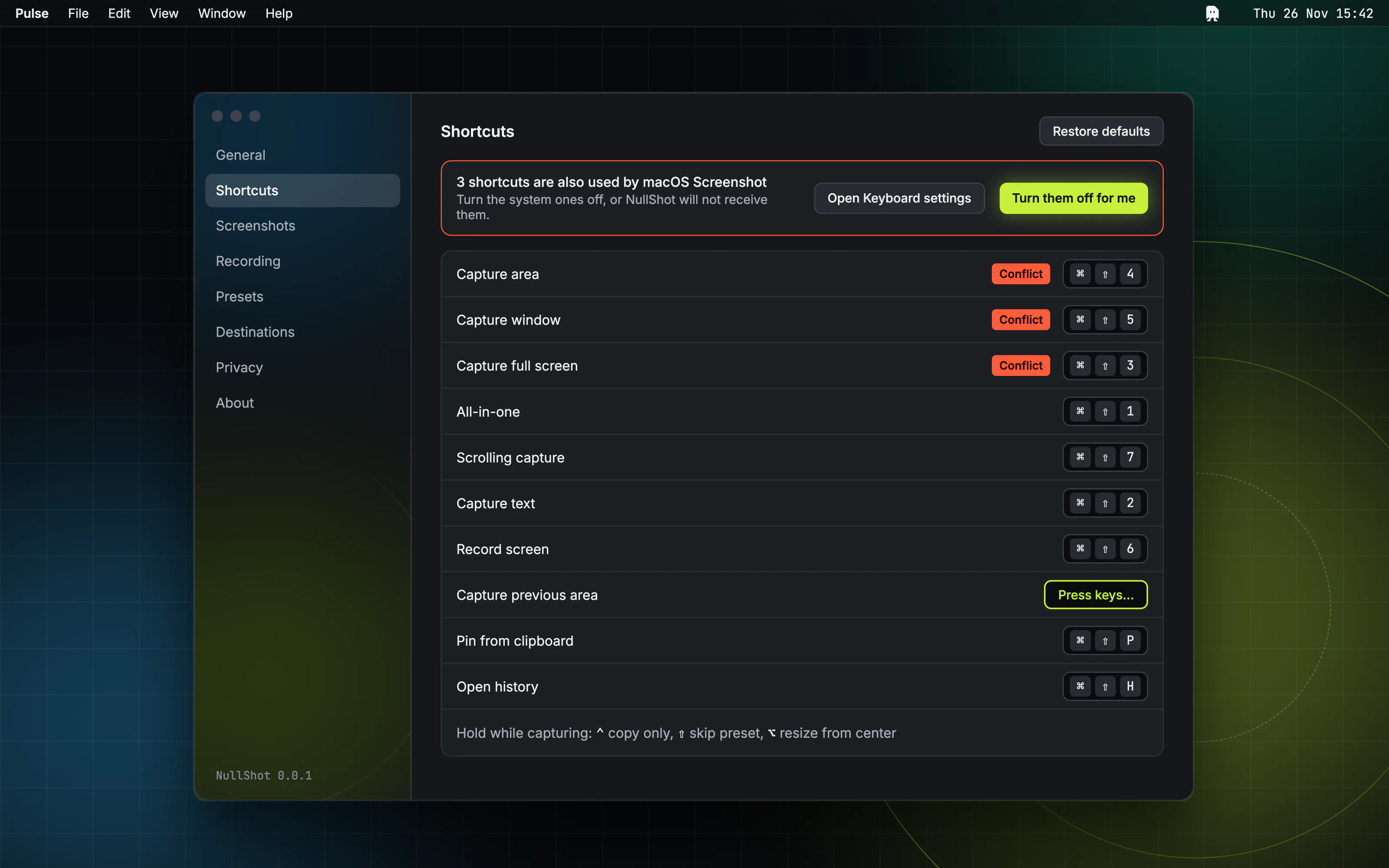
One click hands ⌘⇧3, 4 and 5 to NullShot. One click gives them back to macOS.
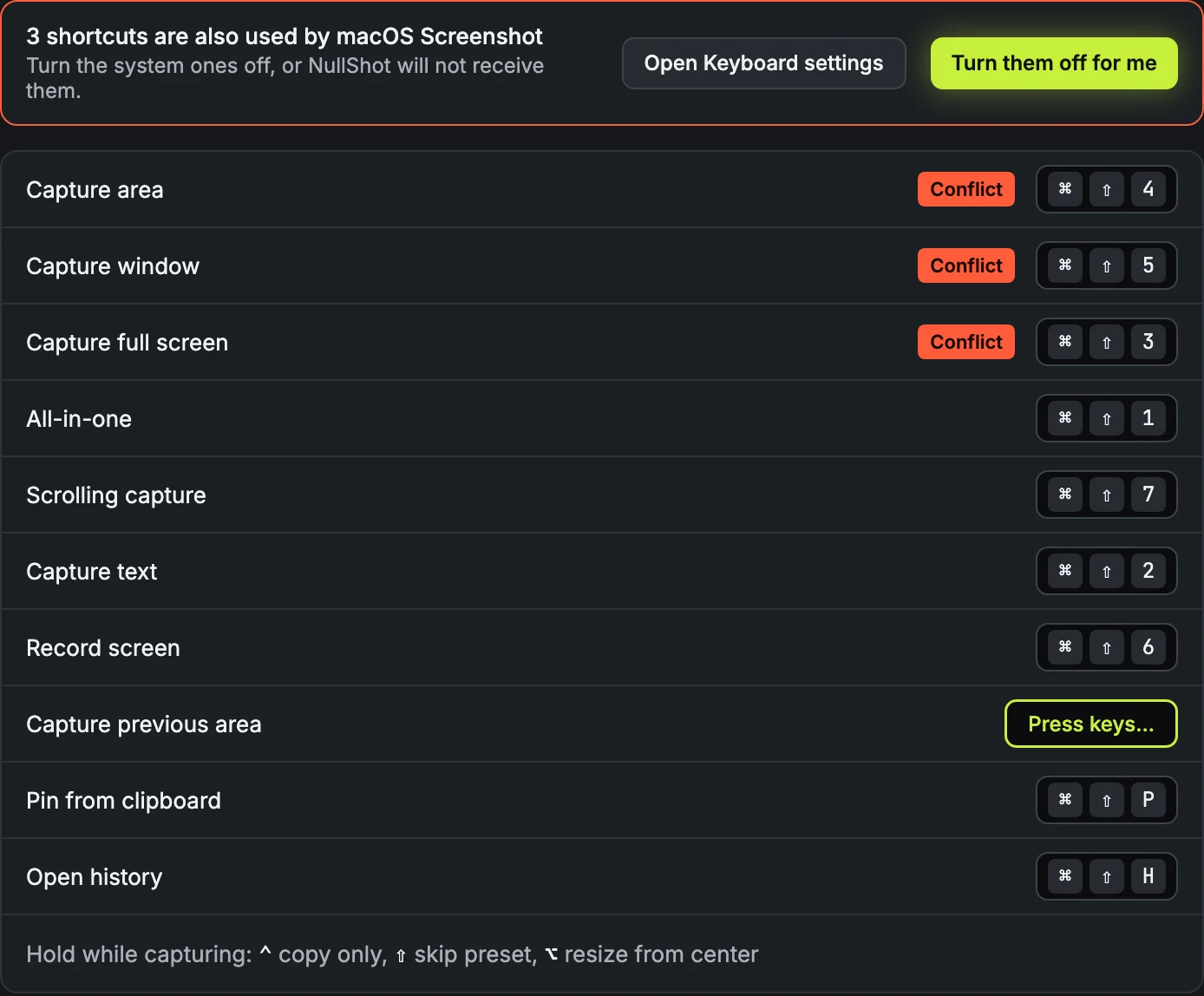
Every capture and recording one click away, no Dock icon in the way.
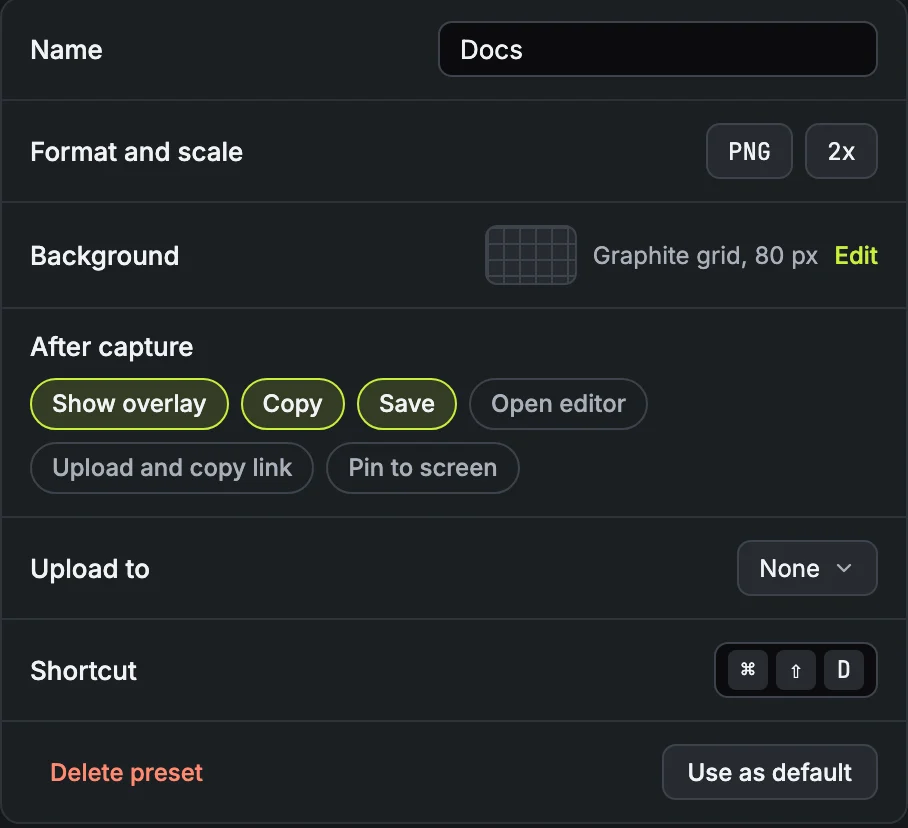
Save a background, size and destination once, use it with one key.
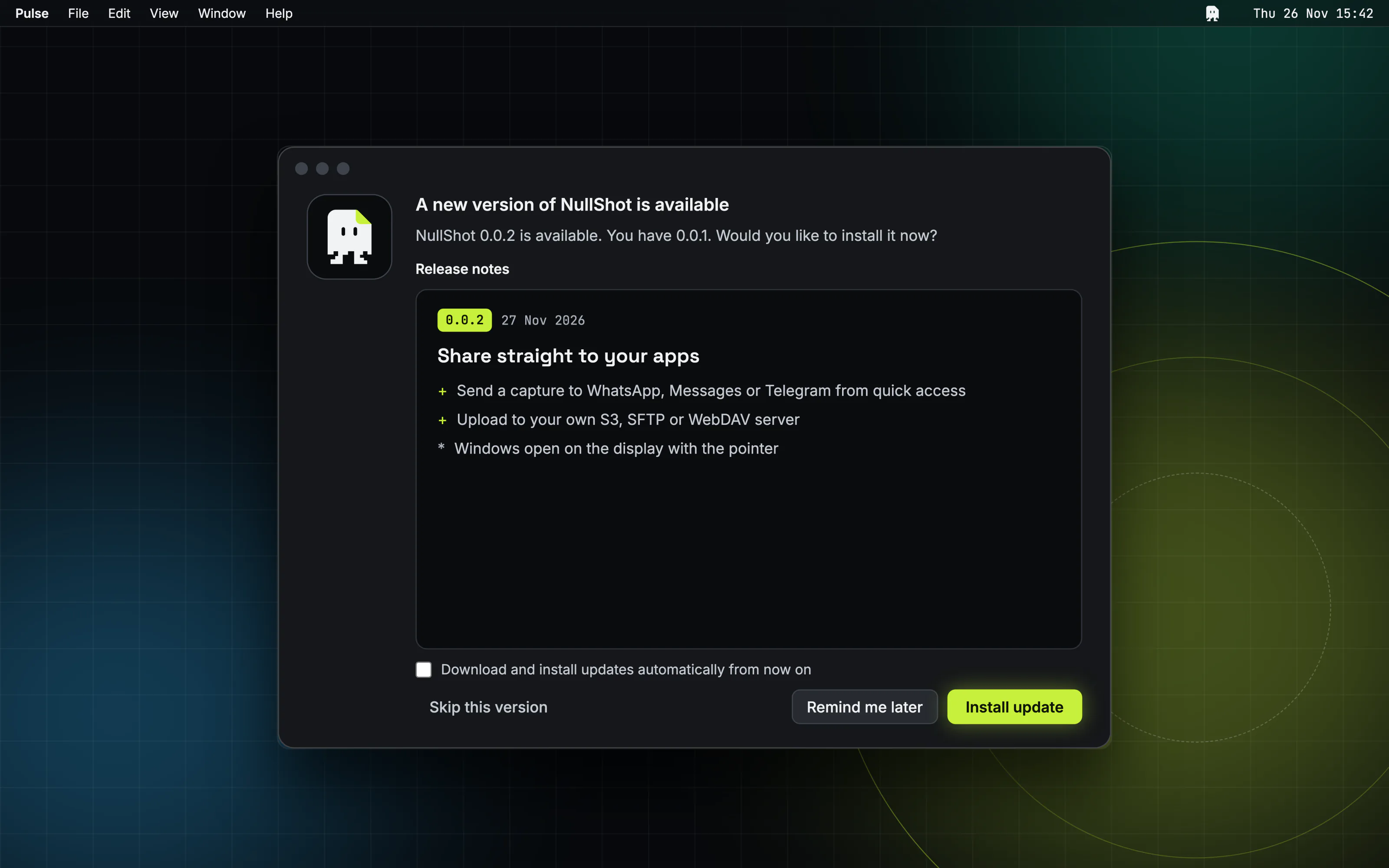
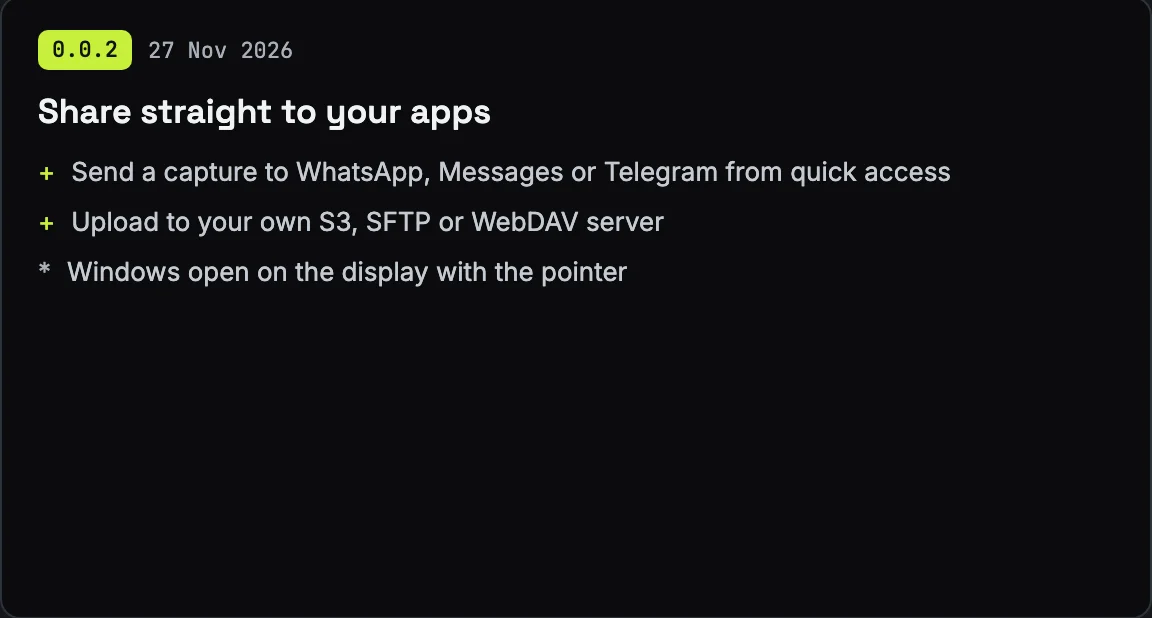
Signed updates, checked once a day, installed when you say so.
English, Polski, Deutsch. Switch any time.
Yes. No trial, no paid tier, no account.
A Mac with macOS 14 Sonoma or later. Apple silicon and Intel both work.
No. Everything stays on your Mac until you choose to share or upload a capture yourself.
Yes. During setup one click hands the screenshot shortcuts to NullShot, and one click gives them back.
NullShot checks for a new version once a day and asks before installing. You can turn that off.
English, Polish and German, and you can switch at any time.
Write to szymon@gesel.io. Tell us your macOS version and what happened, and we will help.